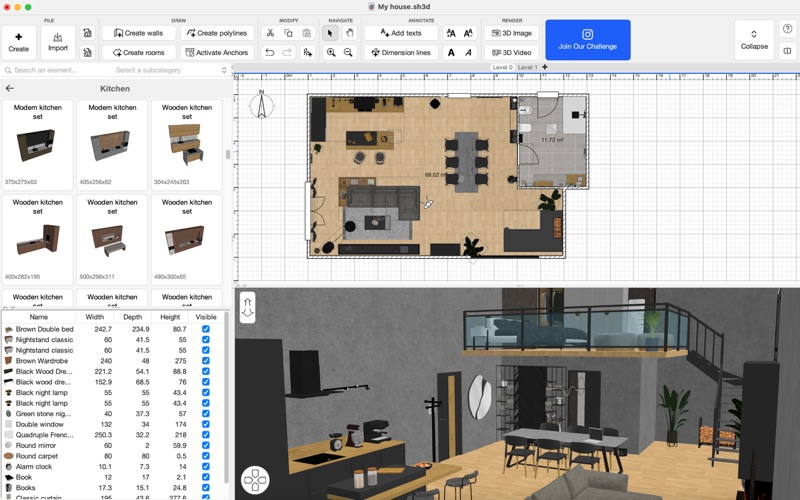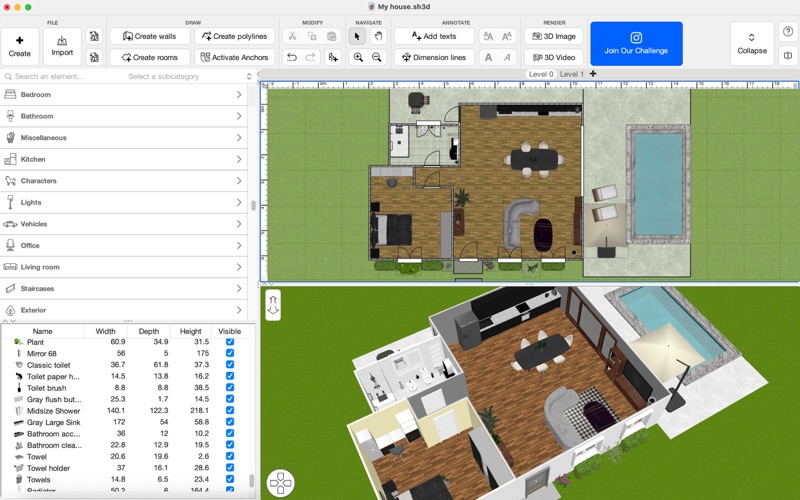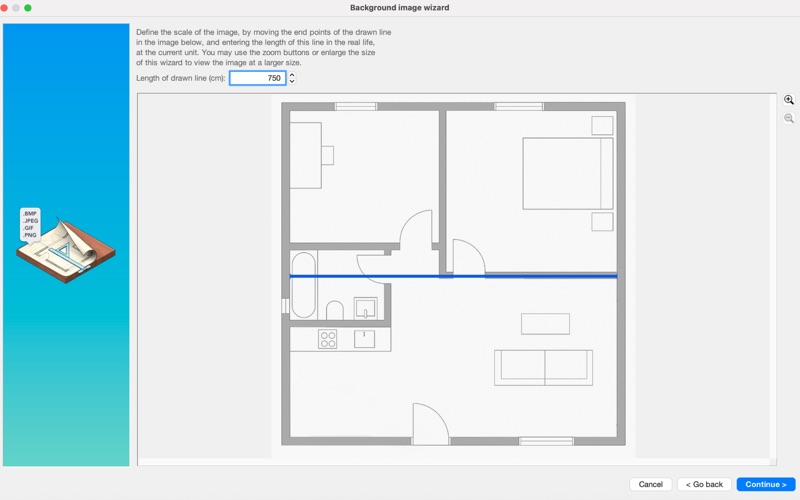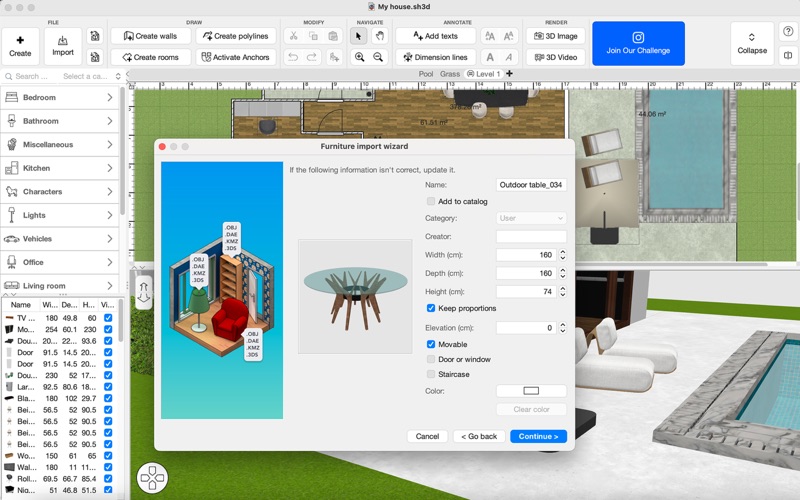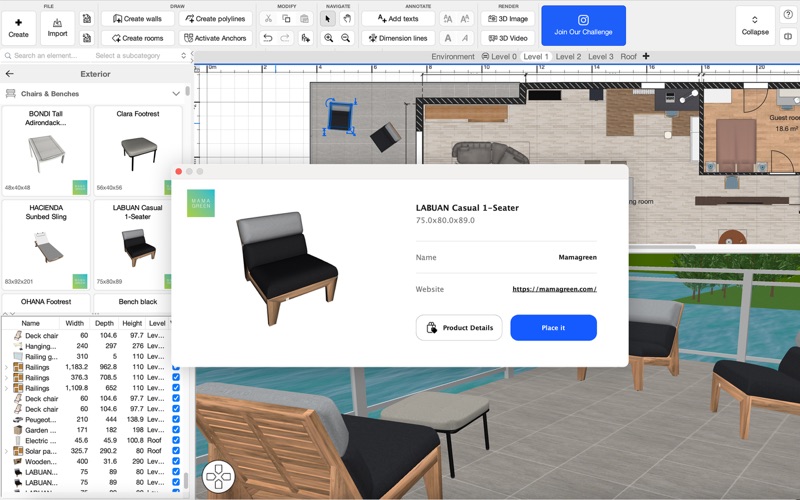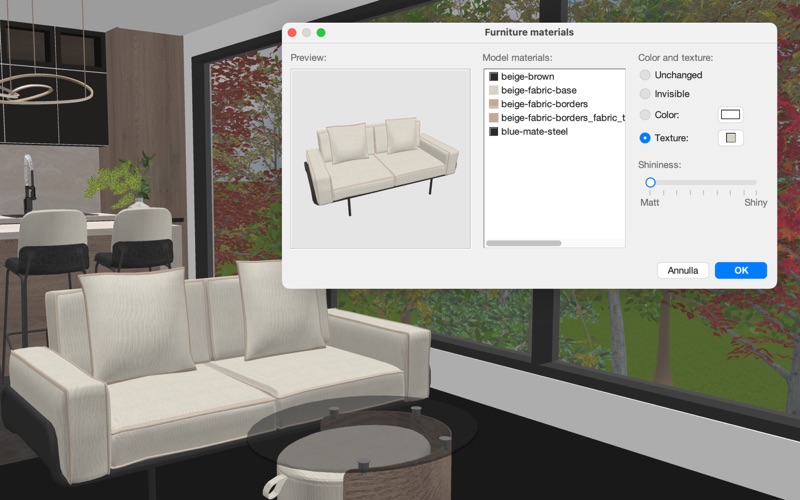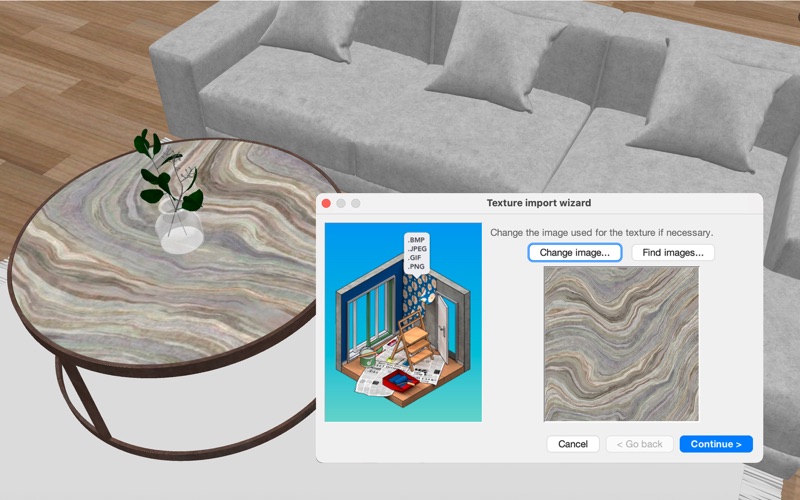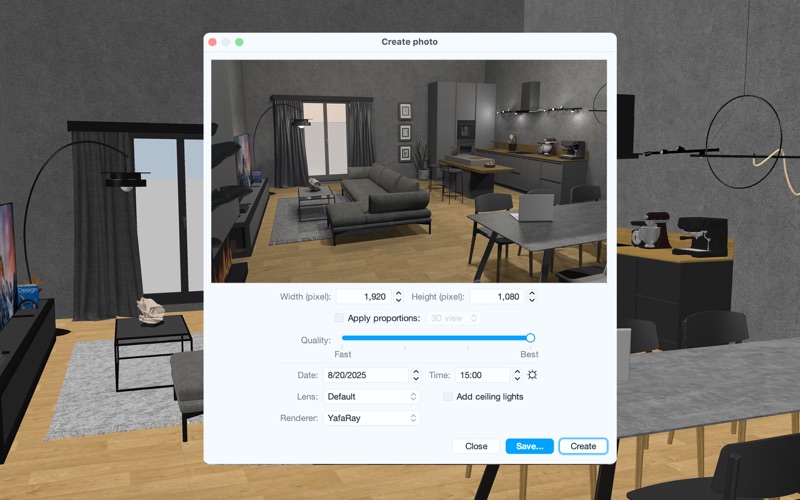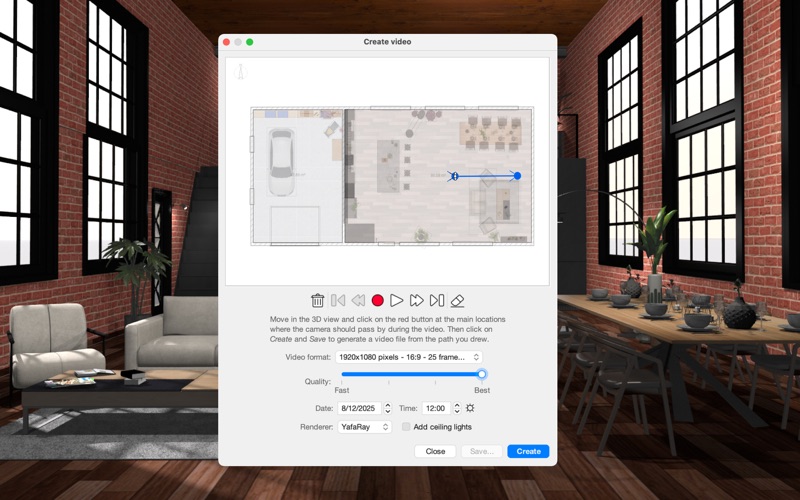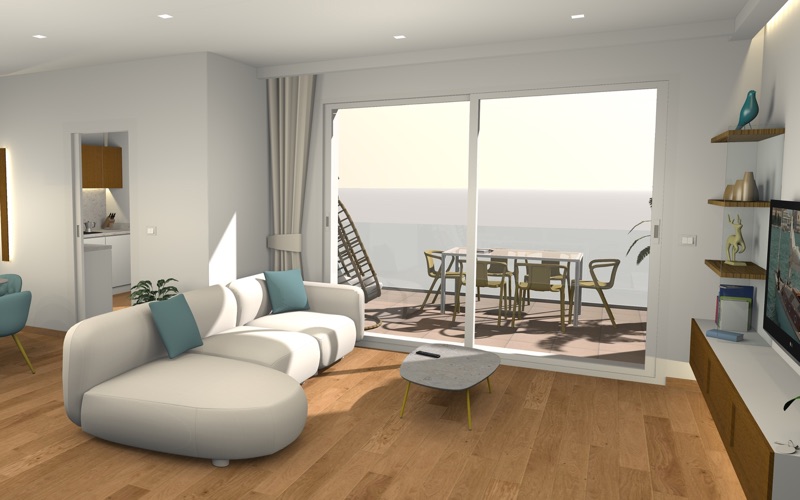

Since its launch in 2006, Sweet Home 3D has become a trusted choice for millions worldwide, with over 50 million downloads. Sweet Home 3D combines ease of use with professional-grade functionality, allowing users of all skill levels to create their dream spaces effortlessly. Why Choose Sweet Home 3D? - Navigate a user-friendly interface: Place furniture and design elements with simple drag-and-drop functionality, making it easy to navigate and customize - Visualize your design both in 2D and 3D: Simultaneously watch 2D and 3D views to explore your design from different perspectives, giving you a true feel of your envisioned space - Add furniture to your design: Choose from +1.600 furniture pieces, lighting options, and decor items with +400 textures to furnish your space exactly as you envision - Import additional 3D Models: Import custom 3D models to add unique furniture and decor elements, ensuring that your design is as unique as your style - Be precise: Set precise dimensions and adjust room layouts to ensure accuracy and compatibility with your actual space - Create photos and video rendering: Create high-quality snapshots and top-tier video walkthroughs of your designs to showcase every detail of your project in motion - Save and share your designs: Export high-quality images of your designs and share them easily with friends, family, or professionals for feedback - Multi-Language Support: Sweet Home 3D is available in multiple languages, making it accessible for users around the globe. Features at a glance: - Easy-to-use 2D floor plan creation with instant 3D visualization - +1600 items with customizable dimensions and color - +400 textures, colors and patterns to customize your items - Unlimited number of projects - Seamless model and textures imports and customizable options for unique designs - Access to a supportive online community for tips, inspiration, and feedback - Save projects to various formats, including PDF, SVG, and high-quality image files Download Sweet Home 3D today and start bringing your dream home to life! Subscribe to access to premium app features; subscription details are the following: - Length: weekly or yearly - Free trial: only on selected subscriptions - Your payment will be charged to your iTunes Account as soon as you confirm your purchase - You can manage your subscriptions and turn off auto-renewal from your Account Settings after the purchase - Your subscription will renew automatically, unless you turn off auto-renew at least 24 hours before the end of the current period - The cost of renewal will be charged to your account in the 24 hours prior to the end of the current period - When canceling a subscription, your subscription will stay active until the end of the period. Auto-renewal will be disabled, but the current subscription will not be refunded - Any unused portion of a free trial period, if offered, will be forfeited when purchasing a subscription Terms & Conditions: https://sweethome3d.notion.site/iOS-Android-Sweet-Home-3D-Terms-Conditions-13ccf6557a08802b971ec995f00eaf5f?pvs=4 Privacy Policy: https://sweethome3d.notion.site/iOS-Android-Sweet-Home-3D-Privacy-Policy-138cf6557a08805ea75ad0f6dc7e9508?pvs=4 Pay a visit to our website for more information: https://www.sweethome3d.com If you have any questions, please contact us at info@sweethome3d.com